Tiny Empires Script
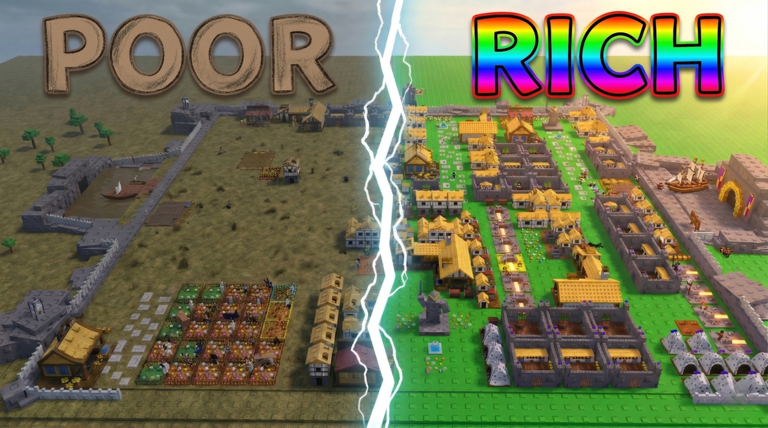
Tiny Empires is a Roblox kingdom-builder where you place houses, farms, mines, and barracks, then grow your economy and army enough to capture zones from other players. A Tiny Empires script skips the slow grind of clicking every farm by hand, so your resources and gold keep piling up while you focus on expanding and training troops.

 3 working scripts
loadstring(game:HttpGet("https://raw.githubusercontent.com/interdwine/dwinescripts/refs/heads/main/scripts/TINY%20EMPIRES/TE.lua"))()The Tiny Empires scripts below cover both a fully free keyless option and a fuller keyed hub. This is a newer Beta title still gaining traction, so the script scene here is small, these three are the only correctly-matched, working scripts we could confirm live.
Tiny Empires Scripts (Auto Collect, Auto Farm, WalkSpeed, JumpPower & More)
Tiny Empires Dwine Auto Collect Script (Keyless):
DWINE AUTO COLLECT SCRIPT
loadstring(game:HttpGet("https://raw.githubusercontent.com/interdwine/dwinescripts/refs/heads/main/scripts/TINY%20EMPIRES/TE.lua"))()- Watches every farm on your plot and fires the collect prompt automatically once a farm fills up, so you never have to walk around clicking each one by hand.
Tiny Empires Junkie Hub Script (Key Required):
JUNKIE HUB SCRIPT
loadstring(game:HttpGet("https://raw.githubusercontent.com/andhikadaki/Suqomi/main/2golplrfj74e.lua"))()- A fuller GUI with Auto Farm, Auto Sell, Teleport, and movement boosts. Get a free key through the in-script key system before the panel unlocks.
Tiny Empires ZXCHUB Script (Key Required):
Tiny Empires ZXCHUB Script
loadstring(game:HttpGet("https://api.jnkie.com/api/v1/luascripts/public/4b11c259bd6c83ee90ee87880e7cc7a7d3ed4f0f3845cd150bea27d6b8bde6cc/download"))()- You need a free key first. Get it from the link the menu shows, then paste it in.
How to Use the Tiny Empires Script
Copy a script from the list above first, then follow these in order.
- 01
Get a Roblox executor. Solara, Xeno, Wave, and Delta all run these scripts.
- 02
Open Tiny Empires on Roblox and wait for your character and plot to load in.
- 03
Open your executor and attach it to Roblox.
- 04
Copy a script above and paste it into the executor script box.
- 05
Hit Execute. The Dwine script opens with no key needed. The Junkie Hub script will ask for a free key the first time.
- 06
Turn on the toggles you want and let your Gold, resources, and troops stack up.
Scripts stop working after big game updates. If a toggle breaks, check back here for an updated version.
About The Tiny Empires Scripts
Dwine's Auto Collect script is the simplest option: it watches every farm on your plot and automatically claims the resources once a farm fills up, so you stop losing collection time to farms sitting full and idle.
The Junkie Hub script is a fuller GUI with Auto Farm, Auto Sell, Teleport, WalkSpeed, and JumpPower toggles, gated behind a free in-script key you grab through its own key system.
Run scripts on an alt account instead of your main, since exploiting breaks the Roblox rules and a kingdom that grows unnaturally fast gets noticed. Also be careful where you get scripts: real Roblox scripts are text you paste into an executor, never a separate program. If a download page asks you to install a .exe file or run a 'file downloader' to get a Tiny Empires script, that is malware, so close the page.
Scripts break the Roblox Terms of Service, so use an alt account. Never download a separate program or hand over your Roblox login to run a "Tiny Empires script," and ignore anything asking you to pay or to run a .exe file. The scripts on this page run straight from your executor.
More For Tiny Empires
 Read nextRoblox Executor guideNeed an executor? See our Roblox Executor guide for the safe ones and how to set them up.Open
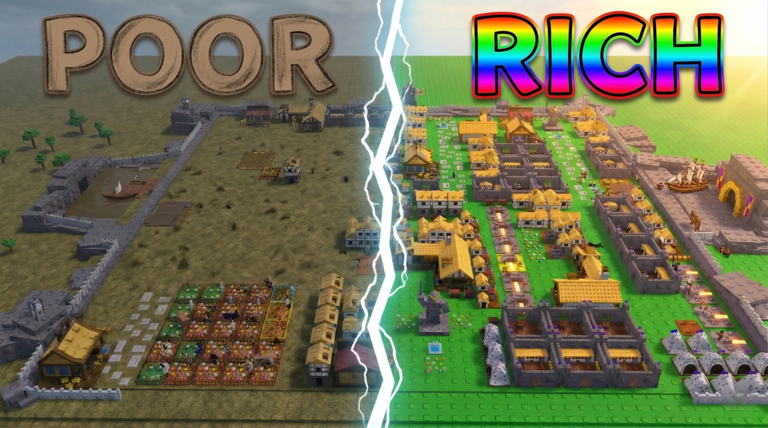 CodesTiny Empires CodesLooking for codes? Check the Tiny Empires Codes page for the latest working list.Open
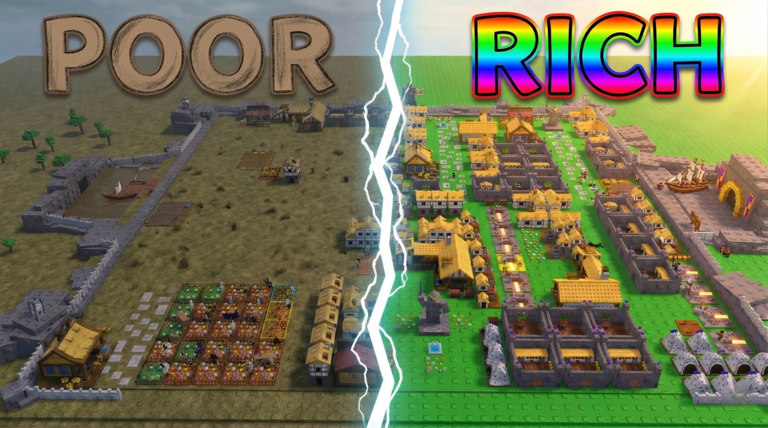 WikiTiny Empires WikiNew to the game? Read the Tiny Empires Wiki for the building, resource, and army loop and a full game overview.Open