Craft Food Script
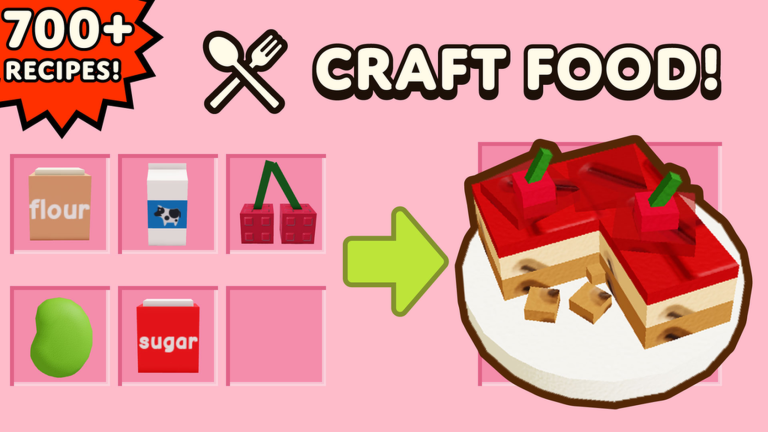
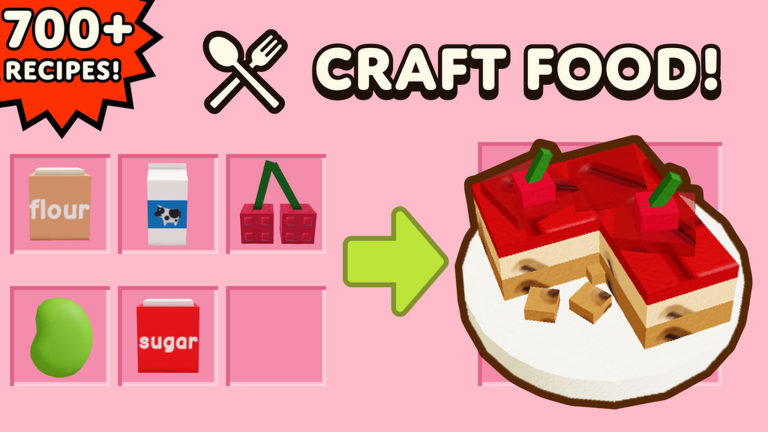
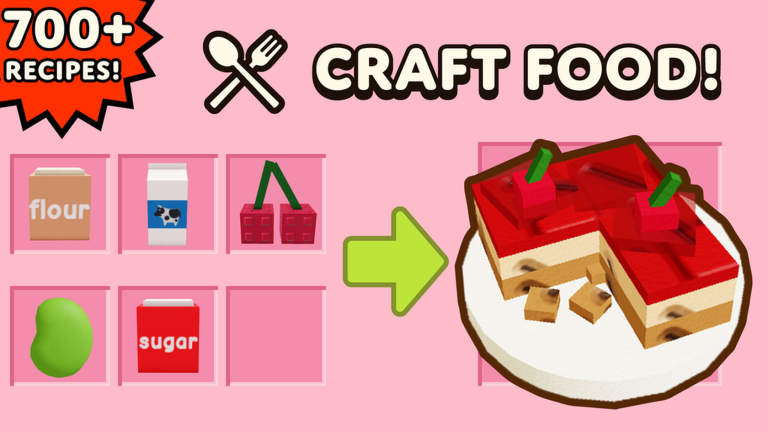
Craft Food is a cooking sim where you buy ingredients, mix them together to discover new recipes, and place your finished dishes to earn coins every second. There are over 700 recipes to find, so a lot of the game is crafting the same foods again and again to build up your money. Buying better ingredients and collecting all that cash takes a ton of clicking.

 2 working scripts
loadstring(game:HttpGet("https://gist.githubusercontent.com/gerelyncontiga-dot/58090c8a00a4d5b5b255424aeb7ef5b9/raw/Craftsss%2520Foood.lua"))()A Craft Food script does the boring part for you. The popular one is a keyless auto craft script that keeps making recipes and collecting your coins on its own while your money climbs. You paste it into your executor, turn on what you want, and let it farm while you do something else.
Craft Food Script (Auto Craft, Auto Collect, Auto Buy, Auto Sell)
Craft Food Auto Craft Script (Keyless):
AUTO CRAFT SCRIPT
loadstring(game:HttpGet("https://gist.githubusercontent.com/gerelyncontiga-dot/58090c8a00a4d5b5b255424aeb7ef5b9/raw/Craftsss%2520Foood.lua"))()Craft Food Polyester Script:
No key box, but scrambled
loadstring(game:HttpGet("https://raw.githubusercontent.com/POLYESTERSCRIPTS/CraftFood/refs/heads/main/Polyester"))()How to Use the Craft Food Script
Copy a script from the list above first, then follow these in order.
- 01
Get a Roblox executor. Solara, Xeno, KRNL, and Fluxus all work.
- 02
Open Craft Food on Roblox and wait until the game is fully loaded.
- 03
Open your executor and attach it to Roblox.
- 04
Copy the loadstring above. It is keyless, so it runs right away with no key step.
- 05
Paste it into the executor script box.
- 06
Hit Execute. The menu opens so you can turn on auto craft and auto collect.
- 07
Leave it running to stack up coins, then spend them on better ingredients and recipes.
Scripts stop working after big game updates. If it breaks, reload it or check back here for an updated version.
About The Craft Food Script
The auto craft script is keyless, so there is nothing to unlock before you run it. It crafts your recipes and auto collects the coins your food makes, which handles the slow part of building up cash. Most versions also buy ingredients and sell dishes for you, so your shop keeps running even when you step away.
Because it runs on its own, this kind of script is great for stacking up money overnight or while you do something else. When you come back you can spend all those coins on rarer ingredients and unlock the high-earning recipes much faster. If you only want to play normally, you never have to use a script at all, but it speeds up the grind a lot.
Always run scripts on an alt account so your main Roblox account stays safe, since exploiting breaks the Roblox rules. If the script stops working after an update, check back here for a fresh version, because Craft Food gets new recipes and updates often, which can change how the game works.
Scripts violate the Roblox Terms of Service. Use an alt account to avoid risking your main. These scripts are for personal use only.
More For Craft Food
 Read nextRoblox Executor guideNeed an executor? See our Roblox Executor guide for the safe ones and how to set them up.Open
 CodesCraft Food CodesLooking for codes? See our Craft Food Codes page for the honest answer on whether the game has any.Open
 GuideCraft Food RecipesLooking for recipes? Our Craft Food Recipes guide lists the ingredients for the best money-making dishes.Open
 WikiCraft Food WikiNew to the game? Read the Craft Food Wiki for how to play, tips, and a full game overview.Open